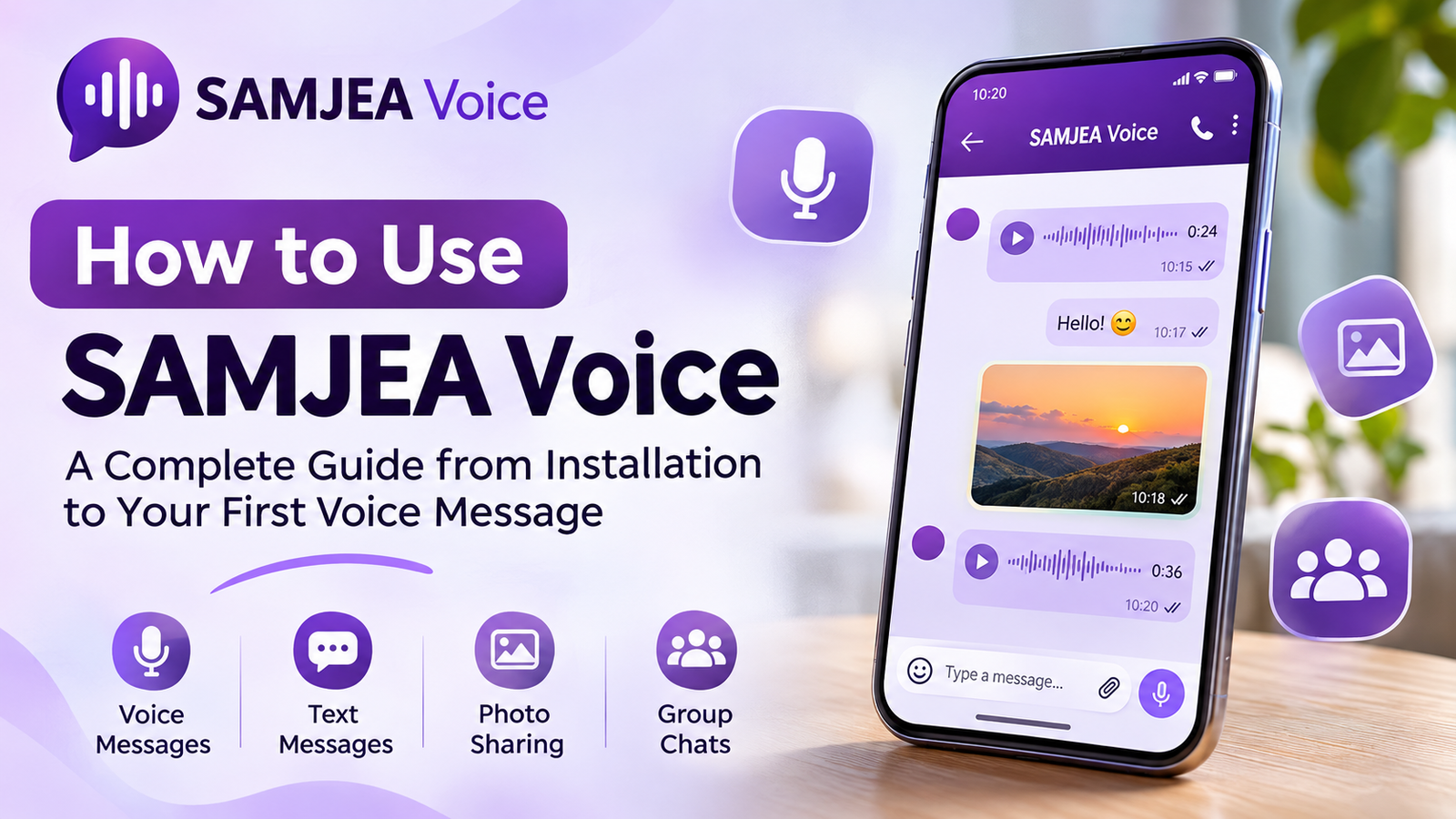
Category: User Guide | SAMJEA Voice
Messaging has become an essential part of our daily lives, but written words cannot always express our feelings the way we want them to. That's where SAMJEA Voice comes in — a modern messaging app that puts voice communication at the heart of every conversation, combining voice messages, text messaging, and photo sharing in one simple and intuitive experience.
In this guide, we'll walk you through everything you need to know to get started with SAMJEA Voice, from installing the app and creating your account to sending messages and exploring its key features.
1. Download and Install SAMJEA Voice
Getting started is easy. First, download SAMJEA Voice to your Android smartphone.
Installation steps:
Visit the official website: https://samjea.sbs
Navigate to the app download section.
Tap the button to download the Android version.
Open the downloaded APK file.
Follow the installation instructions displayed on your device.
Once installation is complete, open the app to get started.
Important: Android may ask you to allow installations from the source you used to download the app. Always download SAMJEA Voice from its official website and avoid granting installation permissions to untrusted sources.
2. Create Your Account
When you launch SAMJEA Voice for the first time, you can access the registration screen to create your account.
Enter the required information, such as your name, email address, and phone number, depending on the fields displayed in your version of the app.
Complete any required registration or verification steps, then access your account to start messaging.
Make sure your information is accurate and keep your login credentials secure.
3. Explore the App Interface
SAMJEA Voice is designed to make communication simple and accessible, without unnecessary complexity.
The experience centers around your conversation list, where you can keep track of your chats and easily switch between individual and group conversations.
Inside each conversation, you'll find tools for sending voice messages, text messages, and photos, along with other available messaging options.
4. How to Send a Voice Message
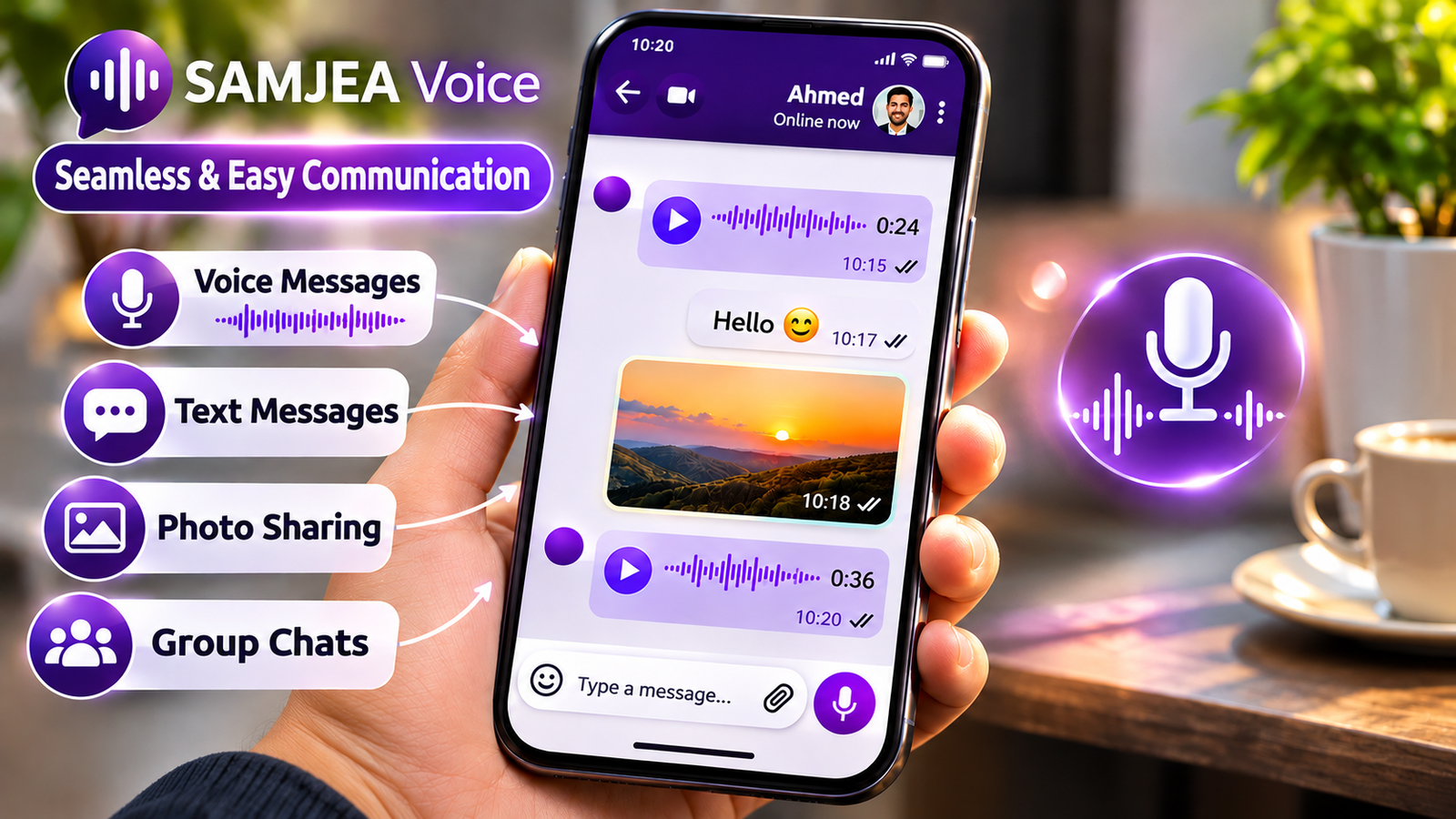
Voice messaging is one of the core features of SAMJEA Voice, offering a natural and personal way to express your thoughts and emotions.
To send a voice message:
Open a conversation with the person you want to contact.
Tap the voice recording control.
Record your message using your device's microphone.
Choose any available message playback options if needed.
Send your recording to the recipient.
Make sure you've granted the app microphone access when prompted.
What Makes Voice Messaging Special?
Voice messages allow you to communicate naturally without typing long messages.
They also help convey tone, emotion, and subtle details that can sometimes be difficult to express through written words.
5. Listen Once or Replay: Your Choice
One of the distinctive features of SAMJEA Voice is its flexible approach to voice message playback.
Listen Once
This option allows you to send a voice message intended to be played only once, according to the app's playback mechanism.
It's particularly useful for brief, one-time messages that don't need to be replayed.
Replayable Voice Messages
This option allows recipients to listen to a voice message multiple times whenever needed.
It's ideal for instructions, important information, or details that may require another listen.
Privacy reminder: The Listen Once feature does not necessarily prevent recipients from recording audio using external devices or methods. Avoid sharing highly sensitive information without verifying the recipient's identity.
6. Send Text Messages
In addition to voice communication, SAMJEA Voice allows you to exchange traditional text messages.
Simply open a conversation, type your message in the text field, and tap Send.
Text messaging is useful when you need to share quick information or when recording a voice message isn't convenient.
You can easily combine text and voice messages depending on your communication needs.
7. Share Photos in Conversations
Communication isn't limited to voice and text. SAMJEA Voice also makes it possible to share photos directly within conversations.
To share a photo, open your conversation, select the image attachment option, choose a photo from your device, and send it to the recipient.
This feature makes sharing everyday moments, visual information, and memorable experiences more convenient.
Always respect other people's privacy when sharing photos that include them.
8. Create Groups and Connect with Others
SAMJEA Voice supports group conversations, allowing multiple users to communicate in a shared space.
Group chats can be useful for staying connected with family members, friends, or small teams with shared interests.
To get started, navigate to the conversations section, select the option to create a group, and follow the available steps to add participants and configure your group.
Groups help keep conversations organized while making it easier to exchange messages and information with several people at once.
9. Notifications and New Message Alerts
Notifications help you stay informed when new messages arrive, even when you're not actively using the app.
To improve notification reliability:
Make sure your smartphone is connected to the internet.
Allow notifications for SAMJEA Voice in your Android settings.
Check that your device isn't blocking the app's notifications.
Keep SAMJEA Voice updated to the latest available version.
Notification delivery times may vary depending on your internet connection, battery optimization settings, and device services.
10. Manage Your Conversations and Messages
Conversation management features help you maintain an organized and convenient messaging experience.
Depending on the features available in your app version, you may be able to delete individual messages, remove conversations, or manage content you no longer wish to keep.
Before deleting anything, check whether the action removes the content only from your device or also affects other participants.
11. Tips for the Best Experience
To get the most out of SAMJEA Voice, keep the app updated and use a stable internet connection when sending voice messages or photos.
For clearer audio recordings, try to record your messages in a quiet environment.
Always double-check the recipient before sharing personal content, and never disclose your login credentials or verification codes to anyone.
12. Frequently Asked Questions (FAQ)
Is SAMJEA Voice free to use?
Yes. SAMJEA Voice is built around providing essential communication features for free, without requiring a paid subscription to access its core messaging functions.
Can I send text messages instead of voice messages?
Yes. SAMJEA Voice supports both voice and text messaging, allowing you to choose whichever communication method works best for you.
Can I share photos?
Yes. You can send photos directly within conversations using the available attachment tools.
Can I create group conversations?
Yes. SAMJEA Voice supports group messaging, making it easier to stay connected with family and friends.
Why am I not receiving notifications?
Notification issues may be related to your internet connection, notification permissions, or battery optimization settings. Check these settings and make sure your app is updated.
Are Listen Once voice messages completely secure?
Listen Once gives you additional control over how voice messages are played, but it cannot guarantee that someone won't record the audio using an external device or another method.
Start Your Journey with SAMJEA Voice
Communication is more than exchanging words. It's about sharing thoughts, emotions, and moments that bring people closer together.
With SAMJEA Voice, you can combine the power of voice, the convenience of text messaging, and the simplicity of photo sharing in one communication experience designed to feel natural and accessible.
Discover the app and find the way of communicating that works best for you.
Download SAMJEA Voice from the official website:
SAMJEA Voice — Communication You Can Hear and Feel.